Set renewal notifications
This article provides an overview of the Renewals home page, and how renewals information interfaces with Contract data.
____________
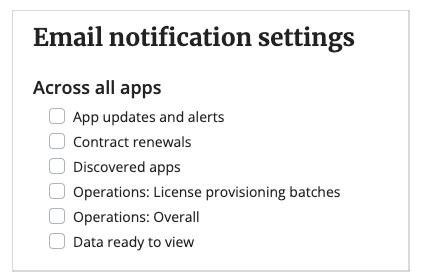
To subscribe to email notifications for upcoming renewals:
- At the bottom of the Productiv navigation pane, click your name. Productiv opens your My Account page.
- Under Email notification settings, select Contract renewals.
For information on other notifications you can set up, see My Account overview.