Customize Allocated Contract Value for Teams and Users
Understanding how your application contract value is allocated across teams and users can help you optimize resource utilization and budget planning. Let's explore the different allocation methods available in Productiv.
Available to Core and Enterprise customers only.
Understanding Allocated Contract Value
Once you have provided HR data that includes team information for your organization and uploaded contracts for an application, you can allocate contract values in the following ways:
- Based on provisioning information (Default): This method allocates contract value based on individual user licenses. If a user is provisioned with a specific license, the corresponding cost is allocated to them and their team. For this method to work accurately, you must have either an engagement or provisioning connector connected for said application.
- Evenly across employees: This method distributes the total contract value equally among all employees in the company, regardless of individual usage.
- Custom by team: You can customize the allocation percentage for each team. For instance, if Team A is allocated 30%, and Team B is allocated 70%, the total contract value will be divided accordingly. The total allocation for the team is further divided across all users of that team evenly.
Customizing Allocated Contract Value
- Navigate to Settings > Manage data > App allocated contract value
- Click Upload values
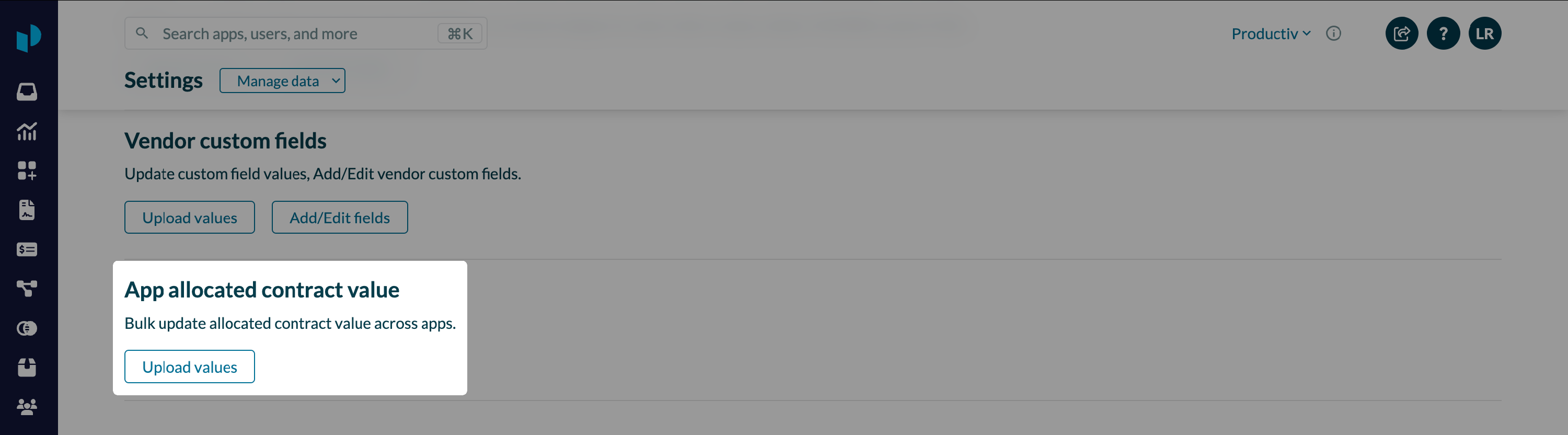
- Productiv launches a wizard that walks you through the process of configuring the allocation of contract value. It provides you with a .csv file template with default or previous allocation configuration across all applications and teams
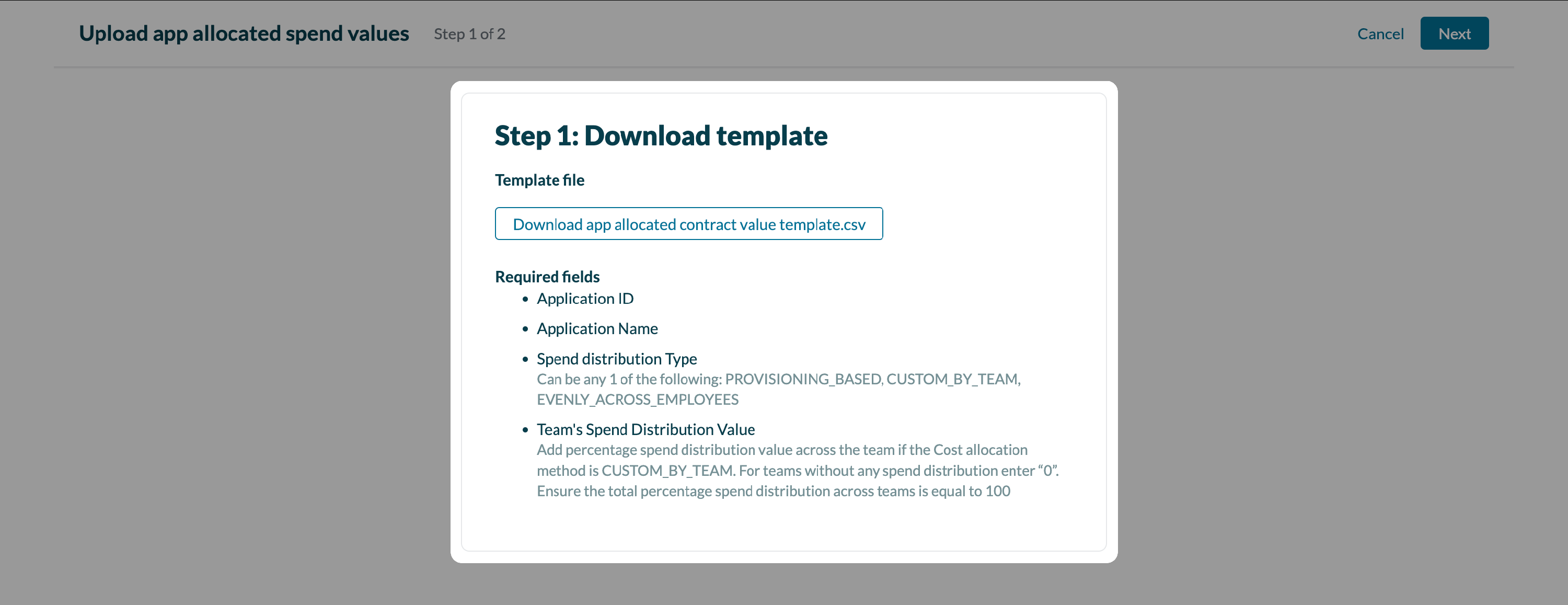
- Once you have updated the .csv template with the new configuration, upload it to update the configuration. This will update the corresponding allocated contract value numbers across your Productiv platform.
