Set Your Default Starting Place and Customize Your Dashboard
Customizing Productiv allows for the most robust experience possible. With Productiv you are able to change easily your default starting location to Dashboard or App Portfolio. When you select the Dashboard are the starting location your are able to further customize it.
To set your default starting location, do the following:
-
Click on your name and select My Account.

- Scroll down to Homepage and click either Dashboard or App Portfolio.
To customize your dashboard, do the following:
-
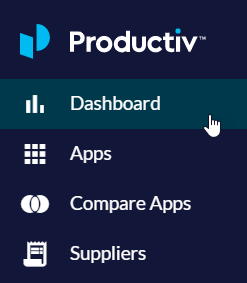
Click the Dashboard menu icon.
-
Click the Edit button.

- Add a widget or drag and drop your current widgets to new positions.
- Click Done editing.
