Audit Logs for Custom Fields, Labels, and Notes
Audit logs are available for custom fields, labels, and notes.
The following example uses Notes but is also valid for custom fields and labels. To view the notes field, do the following:
- Load an app.
- Hover over the Notes section and click the history icon.
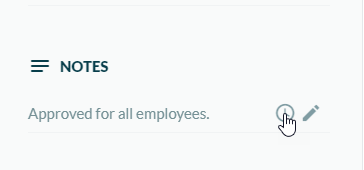
The Audit Log appears.
