Set Approval Status For All Apps In Bulk
Want to set the approval status for all apps? Use our template to easily update your information. Do the following:
- Click the Settings icon.
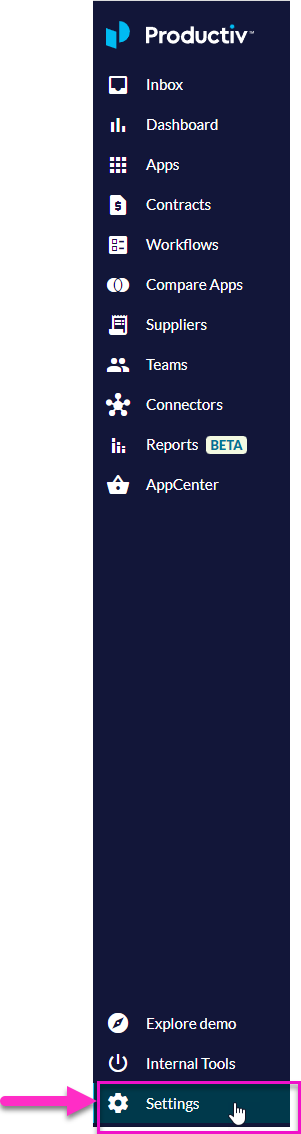
- Scroll down to the App Attributes section.
- Under Update app attributes, click Start .csv import.
- Click Download current app attributes .csv.
- Update your .csv file.
- Click Next.
- Click Upload app attributes .csv.
- Select I understand that this will replace current data.
- Click Finish Importing.
