Below is a list of frequently asked questions when it comes to contracts, spend, payments, and invoices.
- How long does it take to process contracts?
- What is Spend?
- What is Contract annual spend?
- What is Contract term spend?
- Why Do I have more Spend than Contract Spend?
- How often are payments/expenses updated?
- What is the "Next end date" on a contract?
- What is Provisioned user licenses?
- What is Provisioned spend?
- What is Rightsized (licenses)?
- What is the Rightsized annual spend?
- How can I track apps that are renewing in the next 90 days?
- How can I track apps set to auto-renew?
- How can I track the licenses we are using vs. provisioned licenses?
- What is unmapped vendor spend?
- When mapping spend to an app, how long does it take for the change to show?
- I noticed all my contracts had the same ID, X1.
- What is the minimum level role/permission required to add app contacts?
- Is there a way to display changes in multi-year contracts?
- How do we capture and display Spend data coming from Coupa?
FAQs
Q: How long does it take to process contracts?
A: Generally, a takes a minimum of two full business days to complete. Click here to learn more.
Q: What is Spend?
A: Spend comes from department payments, invoices, and user expenses. This is different than Contract spend, in which you have a contract for a specific number of user licenses. Spend is often the result of individual departments setting up tools and software without the knowledge of the IT department at an organization.
Q: Why do I have more Spend than Contract Spend?
A: Typically, organizations may run into "true-up" issues with employee growth so individual departments may expense the cost for more applications without IT knowledge to keep up with the increase.
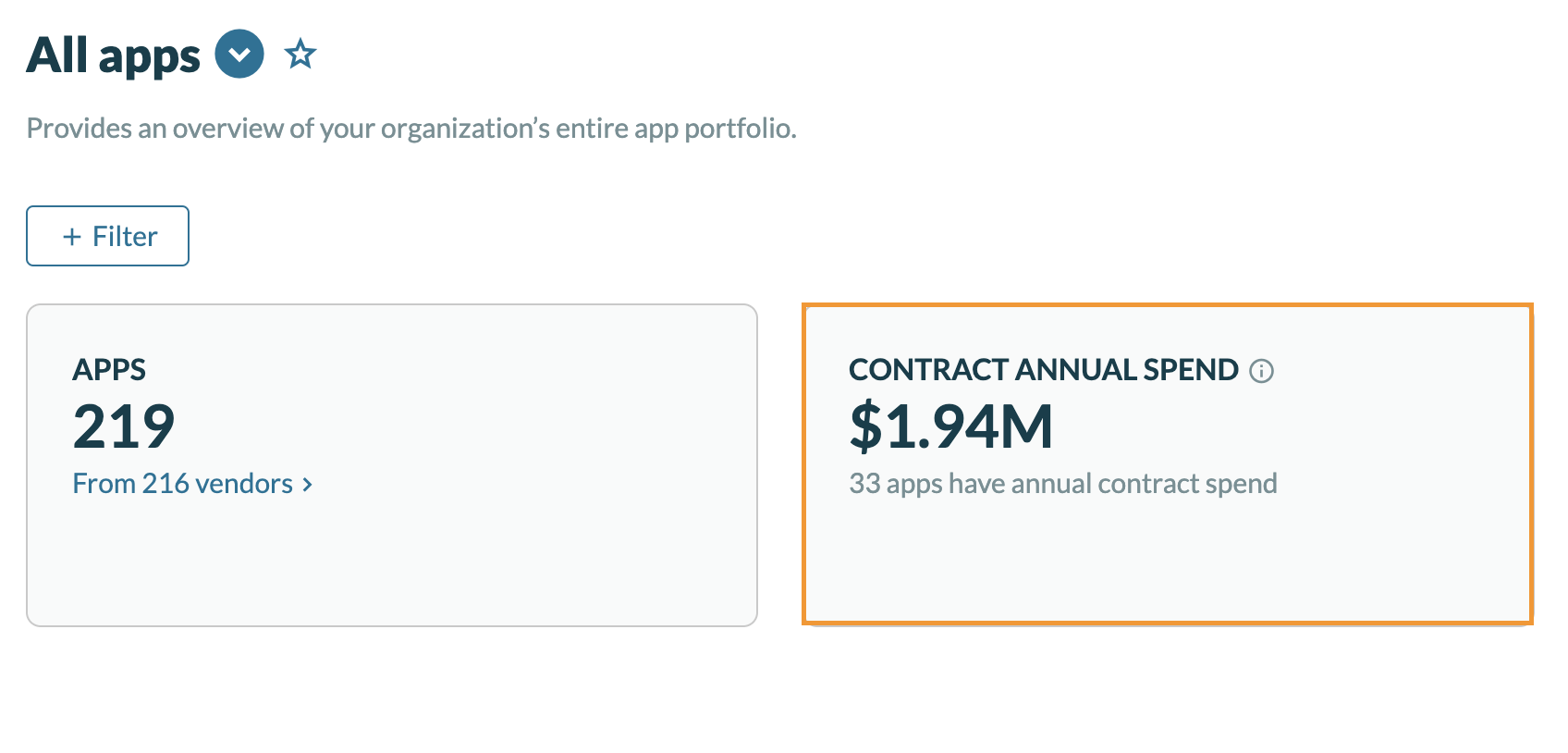
Q: What is Contract annual spend?
A: This is calculated based on the annual spend on user licenses for all active contracts as of the selected date.
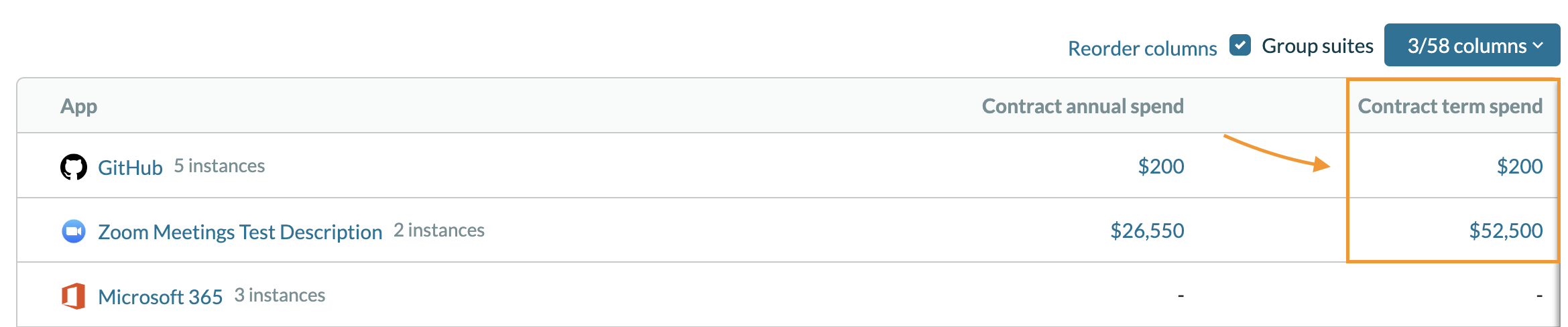
Q: What is Contract term spend?
A: This is a sum of all user license spend for the term of all active contracts as of the selected date. For example, if you are spending $3,000 annually on "X" application, but the term of the contract is 36 months (3 years), then the contract term spend is $9,000.
Q: How often are payments/expenses updated?
A: If you've uploaded the data as a CSV file, it gets updated once you upload a document to replace the current spend. However, if you've set up one of the connector data sources to capture spend, the data is updated twice a day.
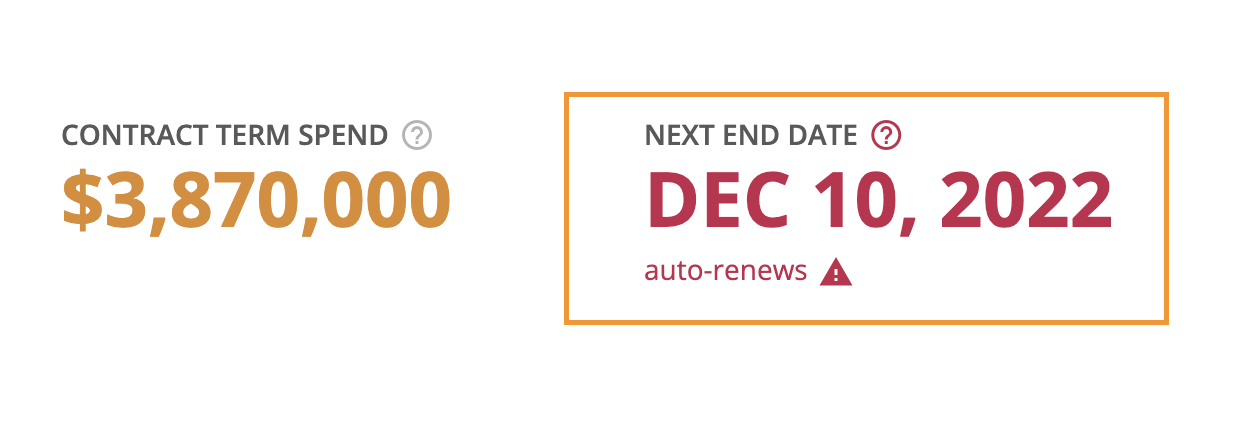
Q: What is the "Next end date" on a contract?
A: This refers to the upcoming end date for a current contract.
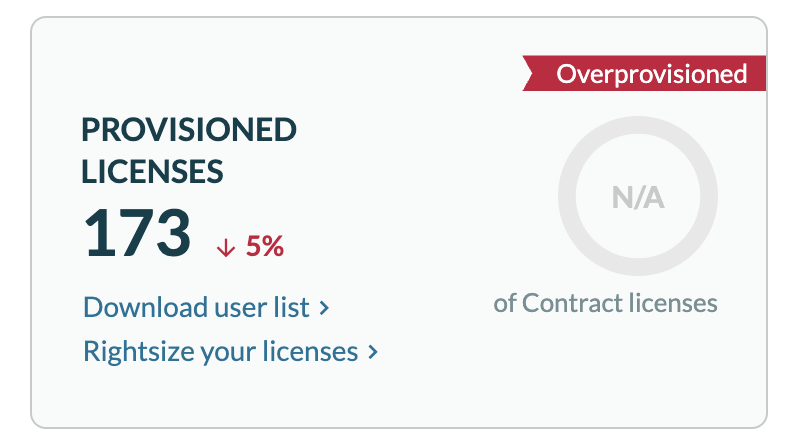
Q: What is Provisioned user licenses?
A: This refers to the number of users who have been given a license for an application.
Q: What is Provisioned spend?
A: This spend is calculated based on the number of provisioned users.

Q: What is Rightsized (licenses)?
A: This is the recommended number of licenses based on efficient usage and expected license increases. This metric is found in the Recommendation section for each application in the Productiv account.
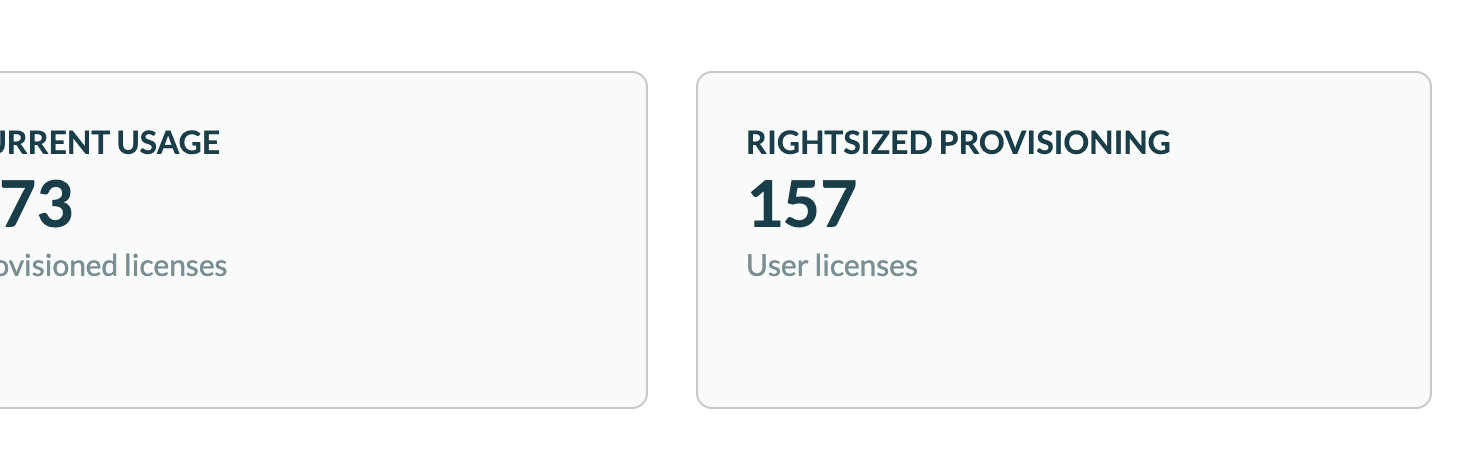
Q: What is the Rightsized annual spend?
A: This is spend based on the recommended number of licenses at the current license price.
Q: How can I track apps that are renewing in the next 90 days?
A: Log into Productiv > Select Contracts on the left side > scroll down on the screen > select the Graph tab > select the Filter link > select Renewal status > is > renewing.
Q: How can I track apps set to auto-renew?
A: Log into Productiv > Select Contracts on the left side > scroll down on the screen > select the Graph tab > select the Filter link > select Auto-renews > is > Yes.
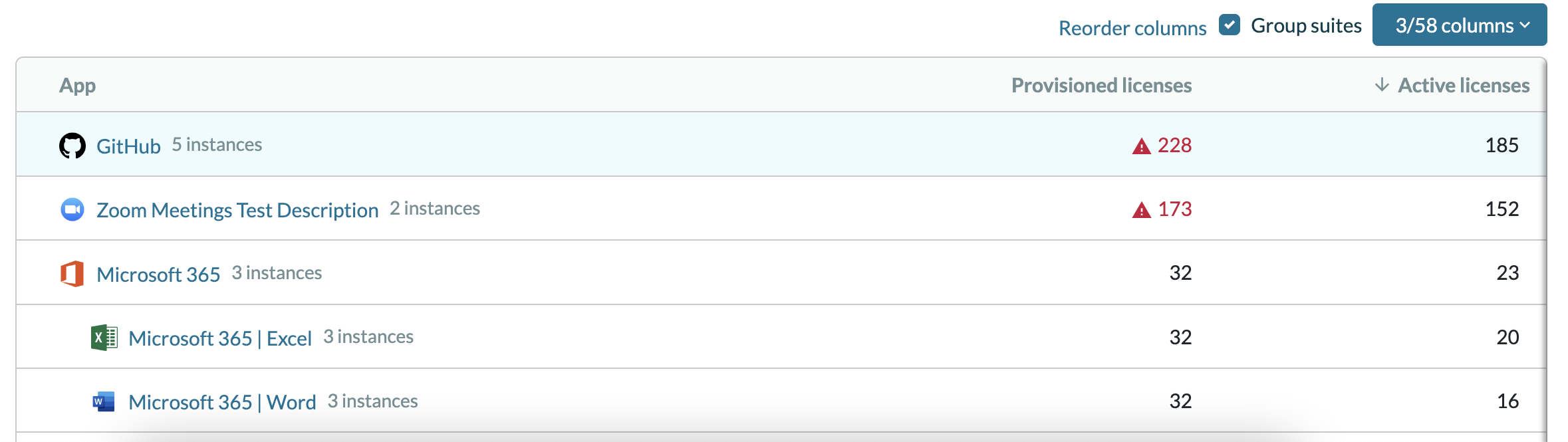
Q: How can I track the licenses we are using vs. provisioned licenses?
A: Log into Productiv > select Apps on the left sidebar > click the Change Columns drop-down > In the Engagement column, select Active Licenses > select Provisioned Licenses > click Apply.
Q: What is unmapped vendor spend?
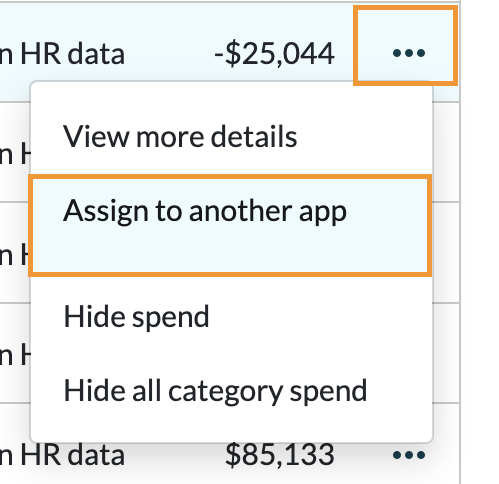
A: This is spend that you are able to track to a Vendor, but not to an app under the Vendor. To map the spend to a specific application, do the following:
- Click in the Search at the top of the screen > search for and select the application.
- Click Past Spend tab at the top.
- Scroll down to Individual spend reports.
- For each line item with unmapped spend > click the three dots on the right side > click assign to another app to start the process.
Q: When mapping spend or remapping spend from one application to another, how long does it take for the change to show?
A: It takes between 1-2 hours. There is a mapping exercise that runs about every hour to remap the transactions. Thus, changes applied via the mapping tool can take up to an hour to reflect in the product.
Q: I noticed all my contracts had the same ID, X1.
A: X1 is displayed when a more appropriate ID can’t be found on the contract. This happens when a .csv file with contracts is uploaded without ID information. For this reason, a default value is assigned.
Q: What is the minimum level role/permission required to add app contacts?
A: You must be a super admin to add an app contact. Click here to learn more about Productiv permissions and roles.
Q: Is there a way to display changes in multi-year contracts over time?
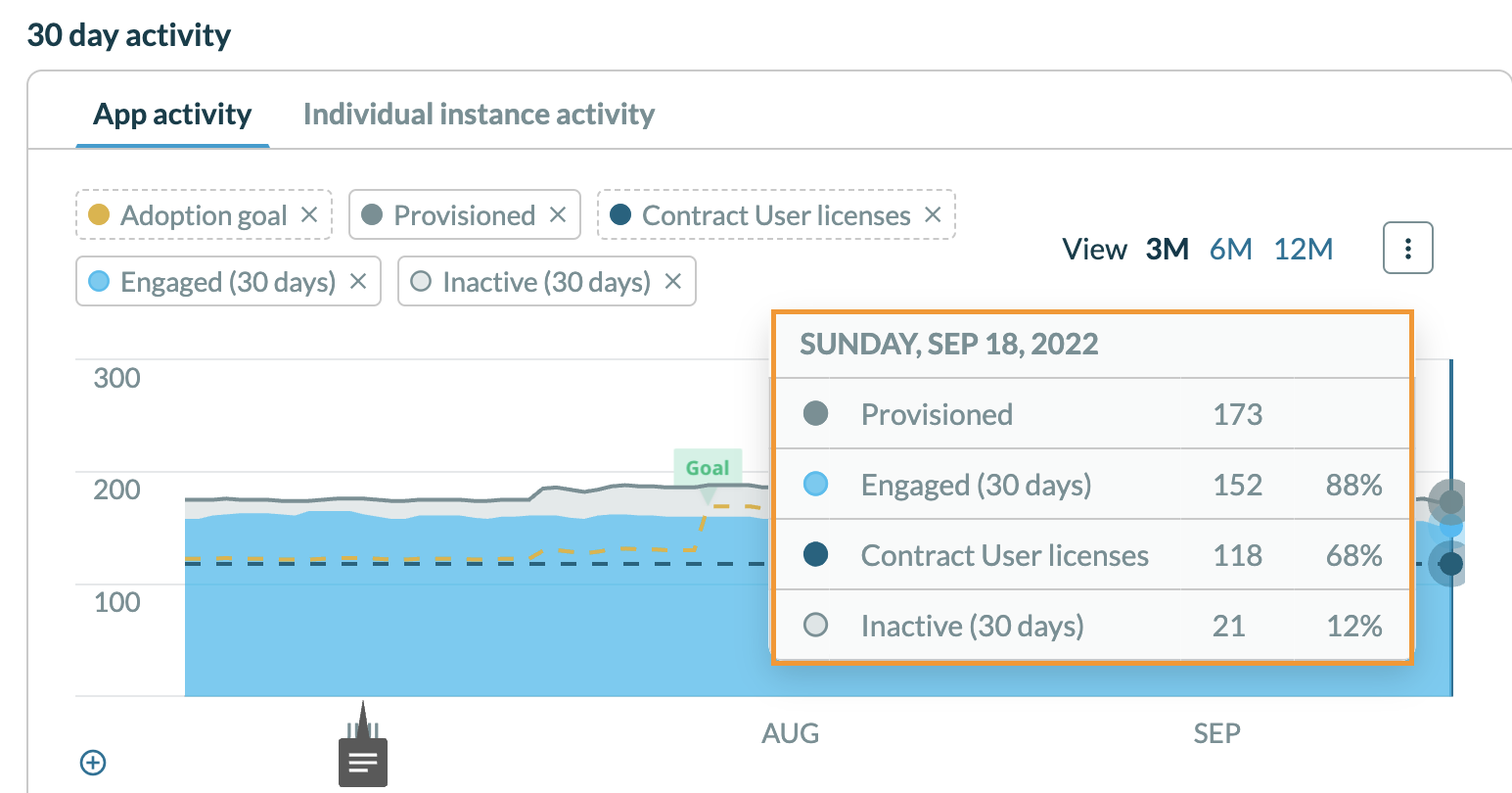
A: We recommend referring to the 30 day graph display at the bottom of the App Summary Page for each app:
- In the search near the top left of the account, search for and select the app in question.
- Click the Overview tab towards the top of the screen.
- Scroll down to the 30 day activity graph at the bottom to see the following:
- Provisioned licenses changes over time.
- Contract user licenses changes over time.
- Hover your mouse across the data points on the graph to see changes across different days.
- Select a specific timeframe to view changes within 3 months (3M), 6 months (6M), or 12 months (12M).
Q: How do we capture and display Spend data coming from Coupa?
A: Productiv uses the API connection to ping Coupa for invoices in ‘paid’ status and expenses in ‘approved/reimbursed’ status. This is for transactions submitted against a valid SaaS category.
Productiv then maps incoming merchants to apps using a curated database. Users are encouraged to validate imported spend, using Productiv’s tools for mapped categories of spend, as well as mapped and unmapped merchants, to fine tune, where needed.
Comments
0 comments
Please sign in to leave a comment.