This article highlights some of the most frequently asked questions regarding connectors and setup in Productiv.
Let's get started!
- Does running a de-provisioning automation rule and using the "Act via Productiv" method, impact Okta user groups?
- Do you receive alerts when an engagement connector disconnects?
- Where does the estimate for provisioned users come from in Okta?
- What is a Service Account?
- What is the difference between Platform and Engagement data?
- Can I integrate my own applications with Productiv?
- Can I add users to an exempt list for automated license deprovisions?
- Will there be upgrades to the current Vendor API connector versions?
- What's the importance of connecting 'Org chart' data?
- What's the importance of connecting Contract data?
- What's the importance of connecting Spend data?
- Do you need an engagement connector to see Benchmark usage data?
FAQS
Q: Does running a de-provisioning automation rule and using the "Act via Productiv" method impact Okta user groups?
A: If you use one of our direct de-provisioning connectors, nothing gets reflected in Okta. The user licenses are removed and acted upon directly from the application. However, if you have set up other workflows or rules in Okta, the action could re-provision users.
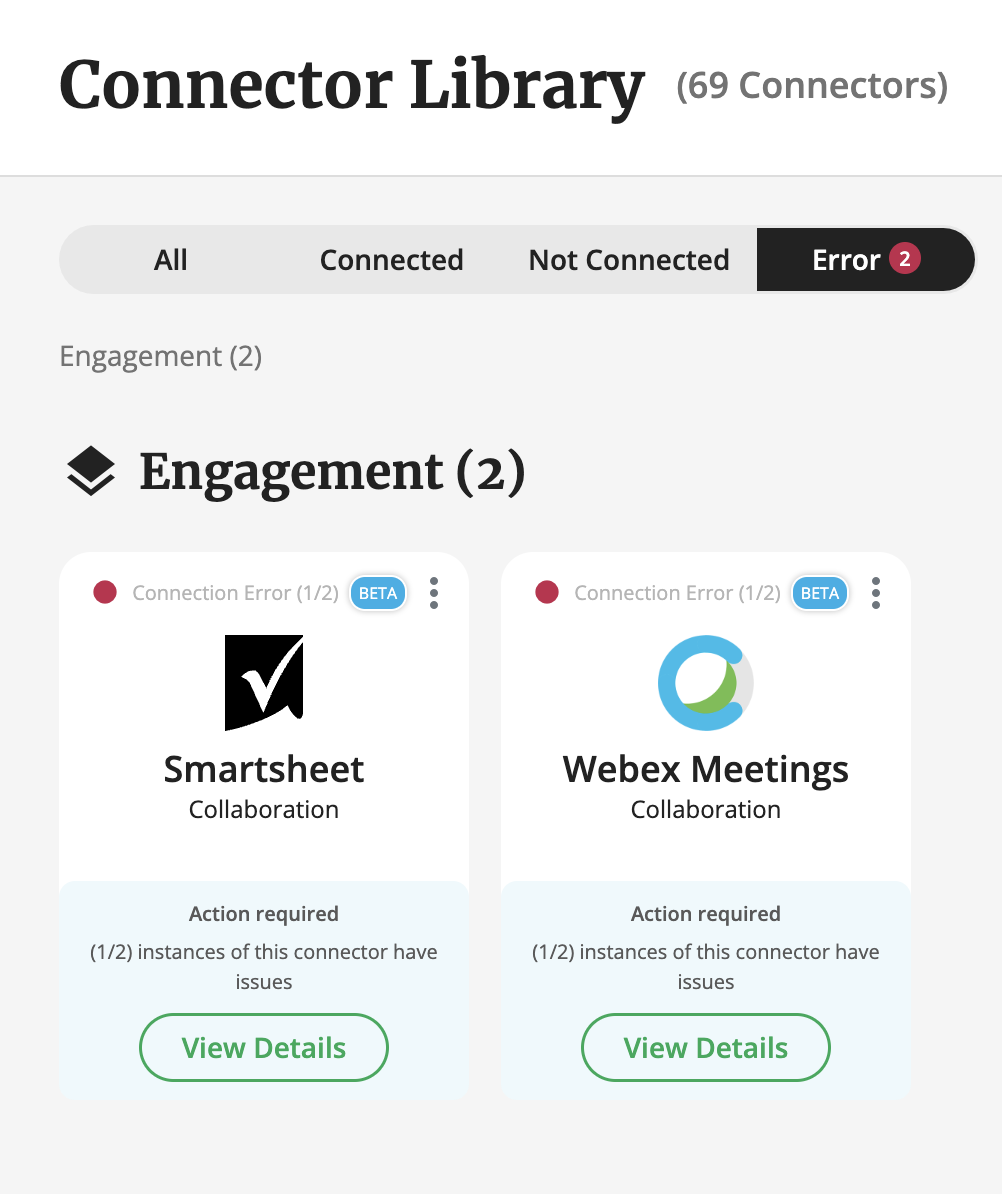
Q: Does a user receive a notification when an engagement connector gets disconnected or if there is an error?
A: Yes. The following users will receive a notification:
- The person who set up the connection.
- The Technical Lead.
- Users who have set to receive updates and alerts in their My Account profile.
- The Security, IT, or Functional app contacts assigned to the app in question.
Q: Where does the estimate for provisioned users come from in Okta?
A: This is dependent on a few variables:
- If we directly connect to the app, and we can get the provisioned users, we get this directly from the connector.
- If we directly connect to the app but can't get the provisioned users, the "estimated users" count is from users who have engaged in the last 120 days.
- If the app is behind Okta or OneLogin, we use the # of users assigned to the application in the SSO providers.
- If the app is behind another SSO provider, the "estimated users" count consists of
anyone who has logged in via SSO in the last 120 days.
Q: What is a Service Account?
A: This is often used for authorization access to the vendor/app account when connecting to Productiv API integrations.
Instead of using an individual account, a more general account such as it@customername.com is used. This is a preferable option since people move on, change passwords, etc.
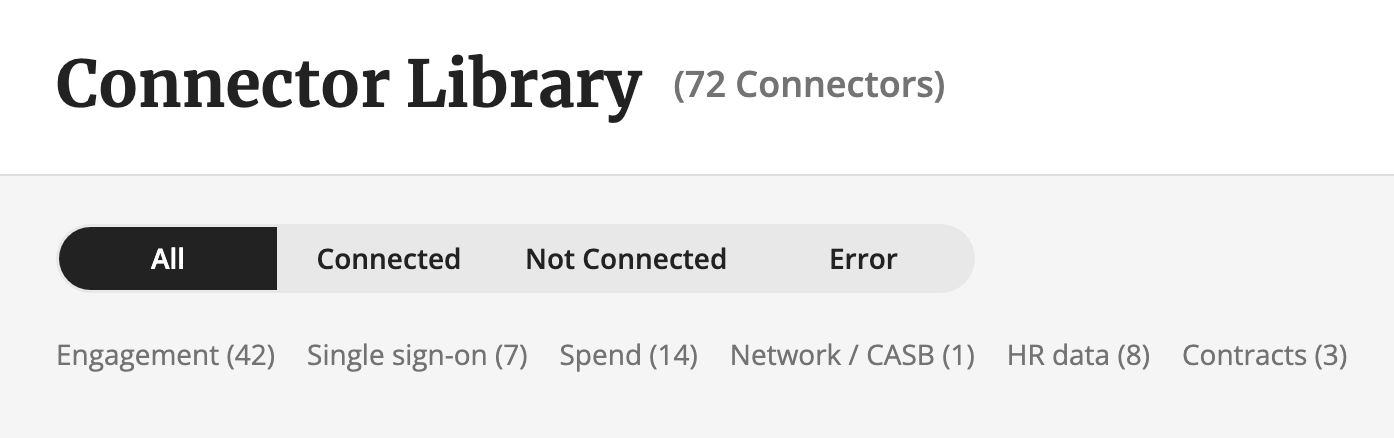
Q: What is the difference between Platform and Engagement data?
A: Here are the man differences:
- Platform data tracks information such as SSO login data/activity, HR Org
Chart data, Network/CASB (Cloud Access Security Broker), Spend, and Contracts
Data. - Engagement data tracks specific app-level feature usage i.e. For the
Zoom engagement connector, you can track things such as which users
share audio, share video, host a meeting, etc.
Q: Can I integrate my own applications with Productiv?
A: Yes. Refer to this link for more details.
Q: I want to run an automated workflow to remove user licenses. Is there a way I can create an exempt user list so their licenses are not taken away?
A: There are two ways of doing this. You can add the user to an exempt list for a specific application or to a global list for all apps:
To add a user to a Global exempt list, do the following:
- Go to Settings > select the Provisioning and access tab.
- Scroll down > under Global exempt list, click Add user to continue the process or click Add users from .csv to upload a list of users.
To add users to an exempt list for a specific app, follow these steps:
- In the Search field at the top, search for and select the app.
- Select the Automation tab at the top.
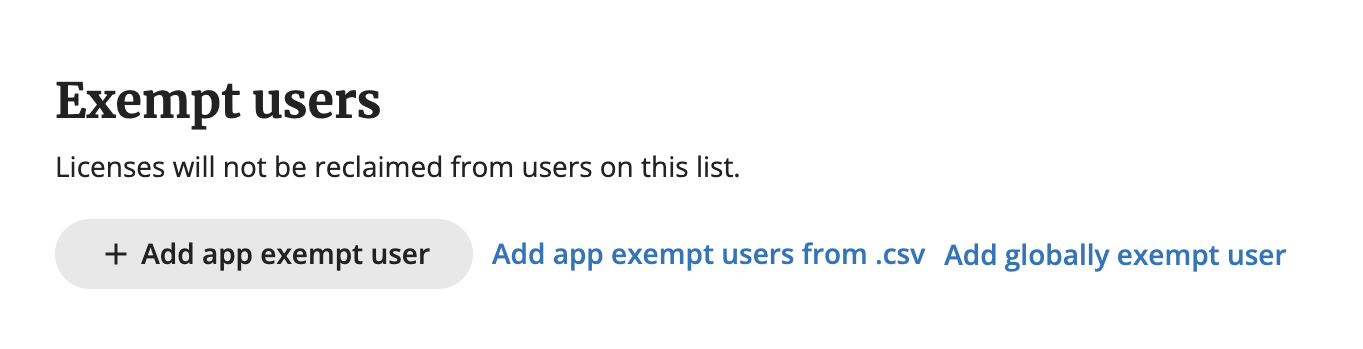
- Scroll down on the screen > under Exempt users, click Add app exempt user to add the user to an exempt list for that app.
Q: Is there an updated timeline for getting a wider range of Vendor API versions to work with Productiv engagement connectors?
A: This is based on if the vendor is able to update the information that is generated from their APIs. For this reason, we can't provide timelines.
Q: What's the importance of connecting 'Org chart' data?
A: It allows you to see usage and spend information across different users, teams, locations, and who users report to.
Q: What's the importance of connecting Contract information?
A: It can be used to view and compare user app usage/engagement side-by-side with actual contract spend.
Q: What's the importance of connecting Spend data (finances and expenses)?
A: This allows you to view application spend information for departments, and individuals using a company credit card for purchases. Often, this is a source of “Shadow IT” - apps that are used outside of, and without the knowledge of, the IT department.
Q: Do you need an engagement connector to see Benchmark usage data?
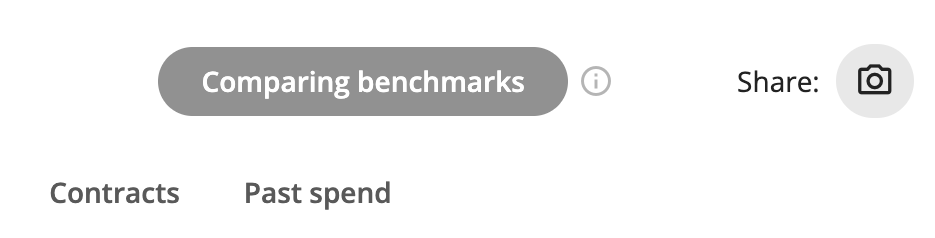
A: Yes. You must set up an engagement connector to use the Comparing Benchmarks button for USAGE Benchmarks for an app. If the engagement connector is not set up, the benchmark toggle will appear greyed out on the Overview tab, Teams tab, etc.
Comments
0 comments
Please sign in to leave a comment.