Managing your app lifecycles just got a little easier.
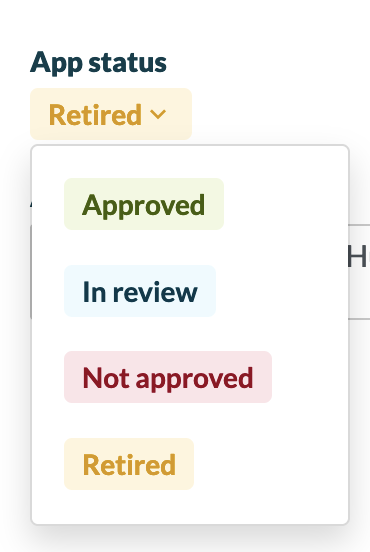
In addition to being able to set an app status of Approved, Not approved, or In review, users can set a status of Retired for software tools in the environment.
Follow the below steps to learn more:
Steps
1. Select Apps on the left sidebar.
2. Click the Change columns button on the right side.
3. In the General section on the left side, select App Status.
4. Click Apply.
5. For each application, click into the App Status field.
6. Select Retired or another option of your choice.
7. Enter an app rationale > click Save changes when you're ready.
What's next
Incoming changes to this feature include:
- The ability to trigger automations based on App Statuses.
Comments
0 comments
Please sign in to leave a comment.