Working with team usage for an app
Learn about how teams use an app
The Teams page for a selected application provides insights into which teams are using the app and how they are using it. Find out which teams have the most active users, how teams are using the tool to collaborate, the amount of spend for this app allocated to each team, and which actions for an app members of each team use.
Teams are identified by connected or uploaded org chart data.
To open the Teams page, open the app you want to view, and select the Teams tab.
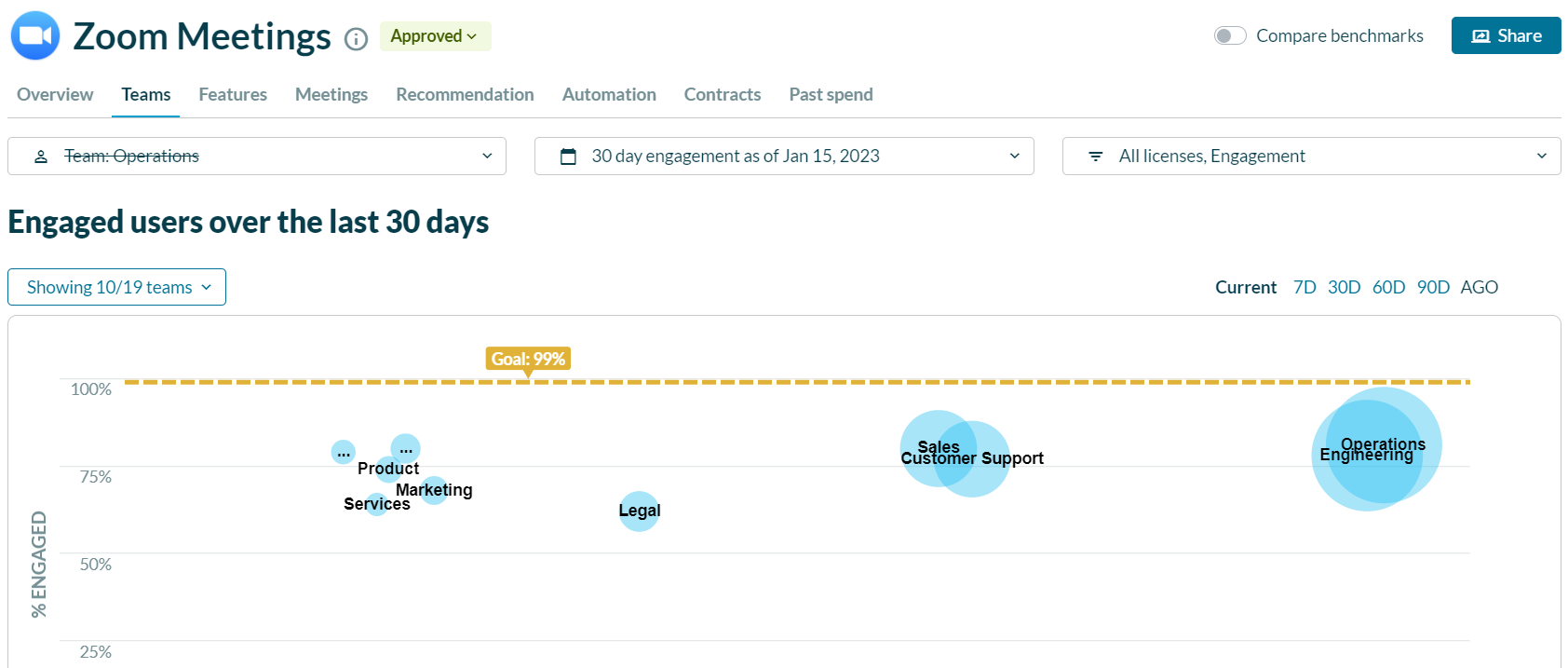
The Teams page presents visualizations and a table to show how the teams in your organization have used the selected application during the selected date/window of time, including:
- Engaged users/Unique logins - a snapshot of activity vs. size of team
- Cross-team collaboration - if applicable for the app, a view of how much collaboration is happening between two teams
- Team details - a table of usage and spend details per team